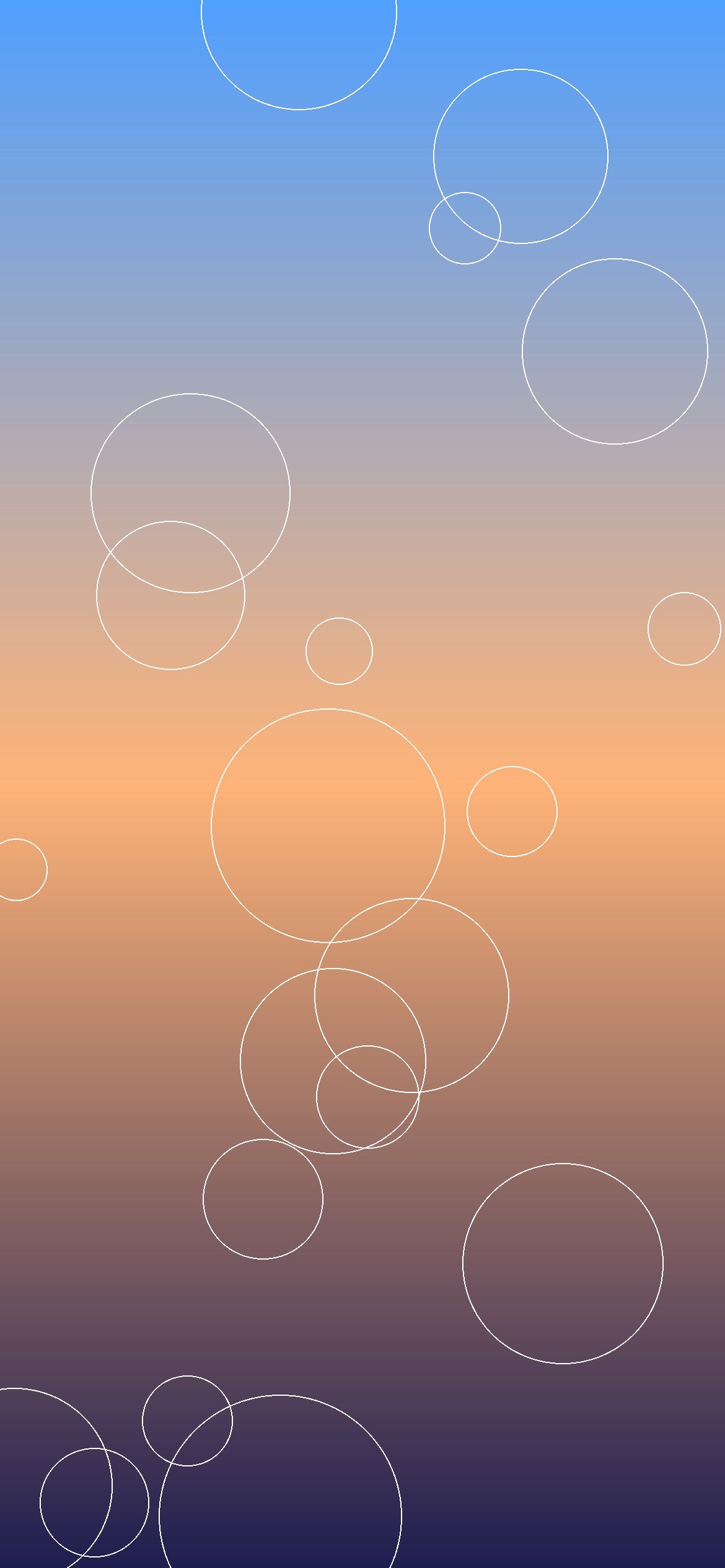
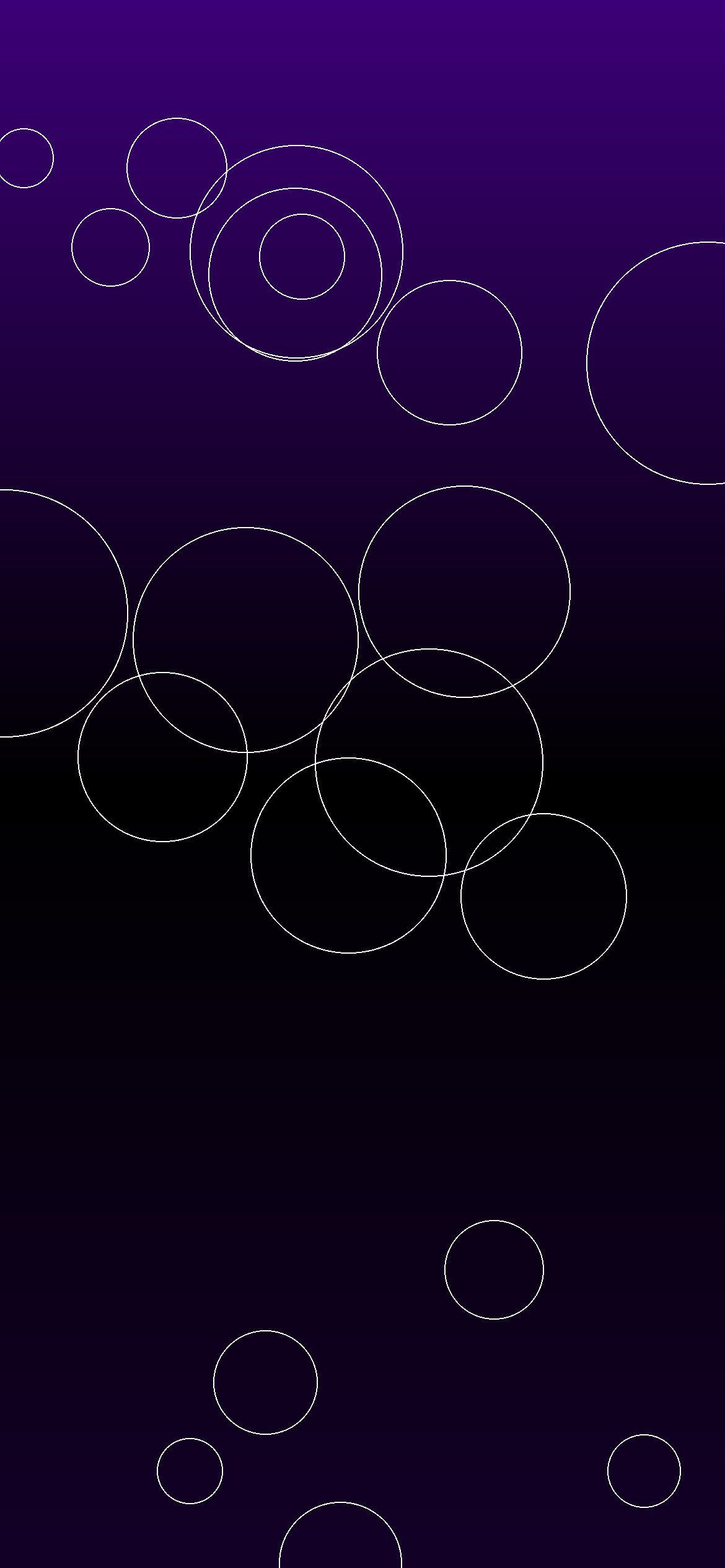
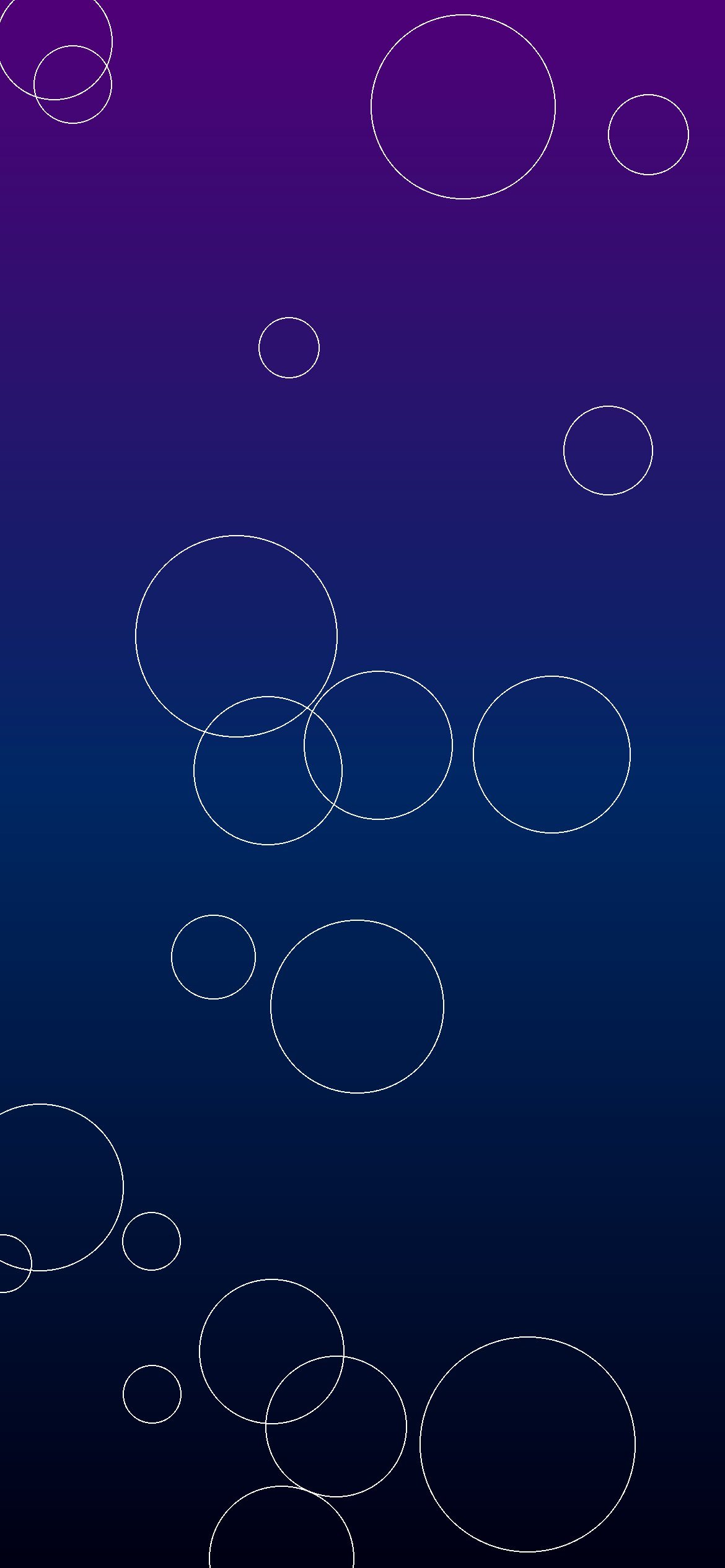
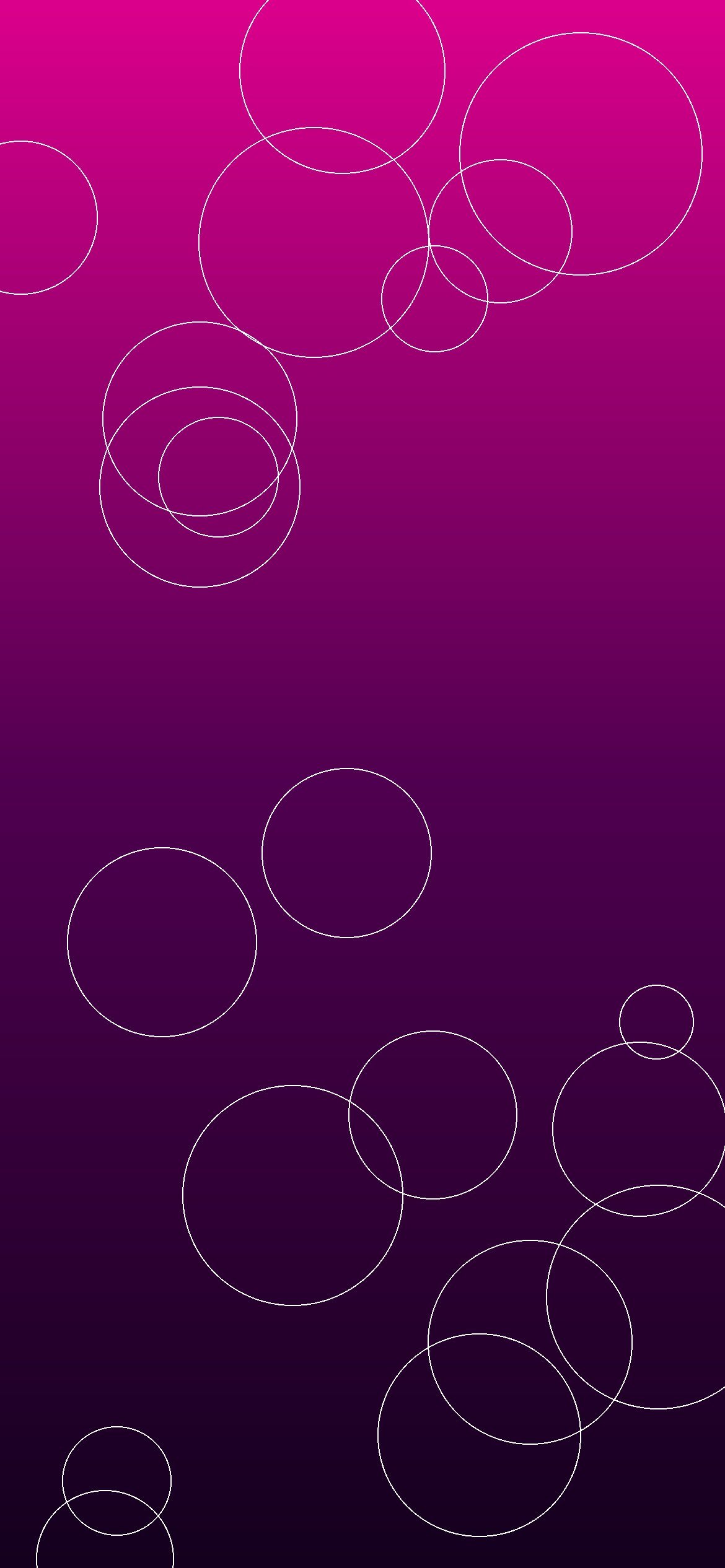
Free iPhone wallpapers 210-239: welcome to the eighth collection of free iPhone wallpapers from 8KWallpaper! Here are 30 new original wallpapers, numbered 210 to 239, made for iPhone users in the United States. This set includes nature skies and valleys, violet AMOLED designs, space nebulae, abstract cyan and magenta art, minimal sand, silver cars, deep oceans, and orange sunsets. All 30 wallpapers are HD iPhone size, 1170×2532 pixels, in JPG format. They are NOT 8K or 4K.
To download a wallpaper, tap or click an image to open it in full size, then press and hold (or right-click) and choose Save Image. Then set it as your Lock Screen or Home Screen wallpaper in your iPhone Settings. All downloads on this page are free.
210 Nature Sky – HD 1170×2532 JPG211 Nature Valley – HD 1170×2532 JPG212 AMOLED Violet – HD 1170×2532 JPG213 Space Nebula – HD 1170×2532 JPG214 Abstract Cyan – HD 1170×2532 JPG215 Abstract Magenta – HD 1170×2532 JPG216 Minimal Sand – HD 1170×2532 JPG217 Cars Silver – HD 1170×2532 JPG218 Ocean Deep – HD 1170×2532 JPG219 Sunset Orange – HD 1170×2532 JPG220 Nature Sky – HD 1170×2532 JPG221 Nature Valley – HD 1170×2532 JPG222 AMOLED Violet – HD 1170×2532 JPG223 Space Nebula – HD 1170×2532 JPG224 Abstract Cyan – HD 1170×2532 JPG225 Abstract Magenta – HD 1170×2532 JPG226 Minimal Sand – HD 1170×2532 JPG227 Cars Silver – HD 1170×2532 JPG228 Ocean Deep – HD 1170×2532 JPG229 Sunset Orange – HD 1170×2532 JPG230 Nature Sky – HD 1170×2532 JPG231 Nature Valley – HD 1170×2532 JPG232 AMOLED Violet – HD 1170×2532 JPG233 Space Nebula – HD 1170×2532 JPG234 Abstract Cyan – HD 1170×2532 JPG235 Abstract Magenta – HD 1170×2532 JPG236 Minimal Sand – HD 1170×2532 JPG237 Cars Silver – HD 1170×2532 JPG238 Ocean Deep – HD 1170×2532 JPG239 Sunset Orange – HD 1170×2532 JPG
Download note: All downloads on this page are free HD 1170×2532 JPG files. They are not labeled 8K or 4K.
Scroll to Top
Set this wallpaper
Download it, then apply it to your Home screen, Lock screen, or Desktop in seconds.
Tap Download wallpaper above — it saves to your Photos.
Open Settings → Wallpaper → Add New Wallpaper.
Choose Photos and pick the downloaded image.
Tap Add, then choose Home Screen, Lock Screen, or both.
🤖 Android — Home / Lock Screen
Tap Download wallpaper above.
Open the image in your Gallery / Photos app.
Tap the ⋮ menu → Set as wallpaper (or “Use as”).
Choose Home screen, Lock screen, or both.
🖥️ Desktop — Set as wallpaper (Windows / Mac)
Tap Download wallpaper above.
Windows: right-click the downloaded file → Set as desktop background. Mac: right-click the file → Set Desktop Picture (or System Settings → Wallpaper).
Websites can’t change your wallpaper directly — your phone applies it after download.