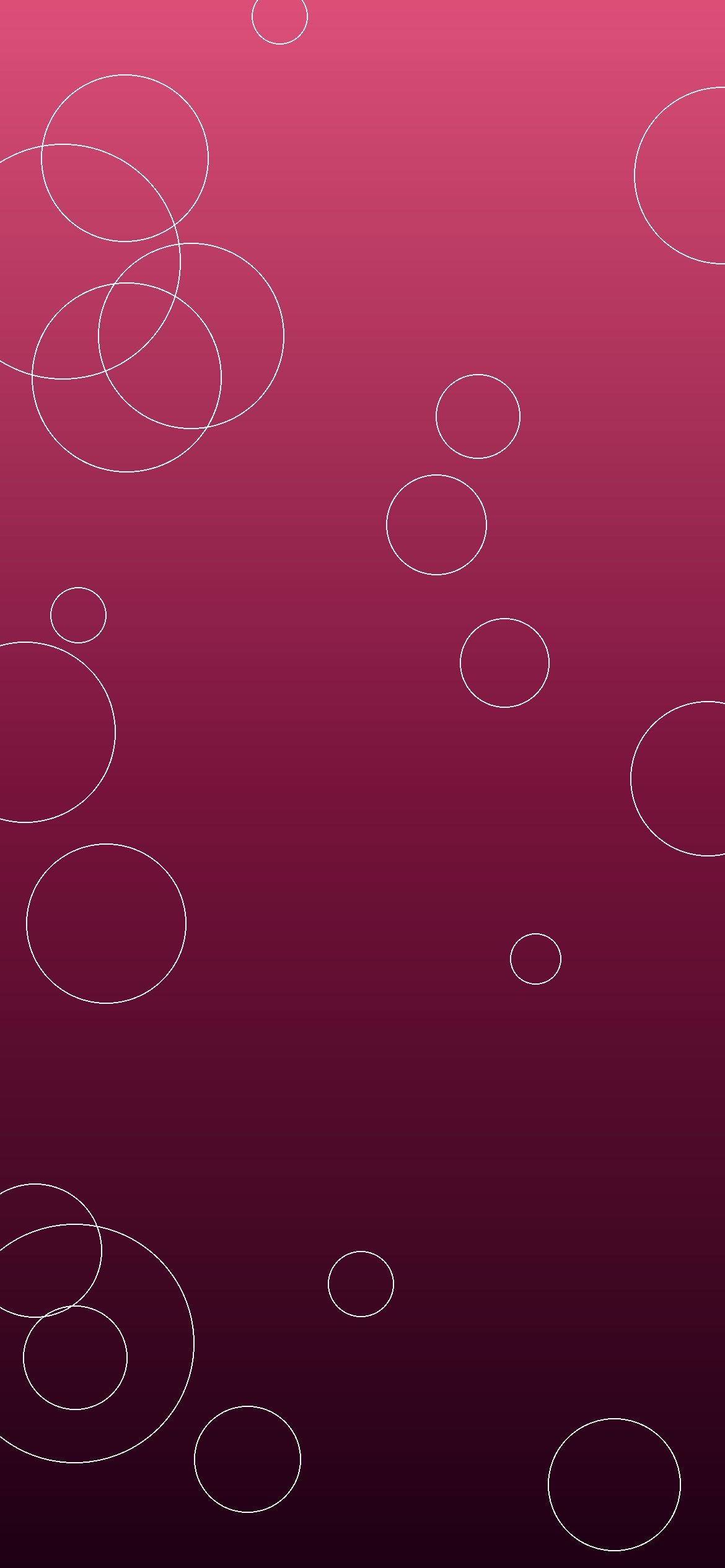
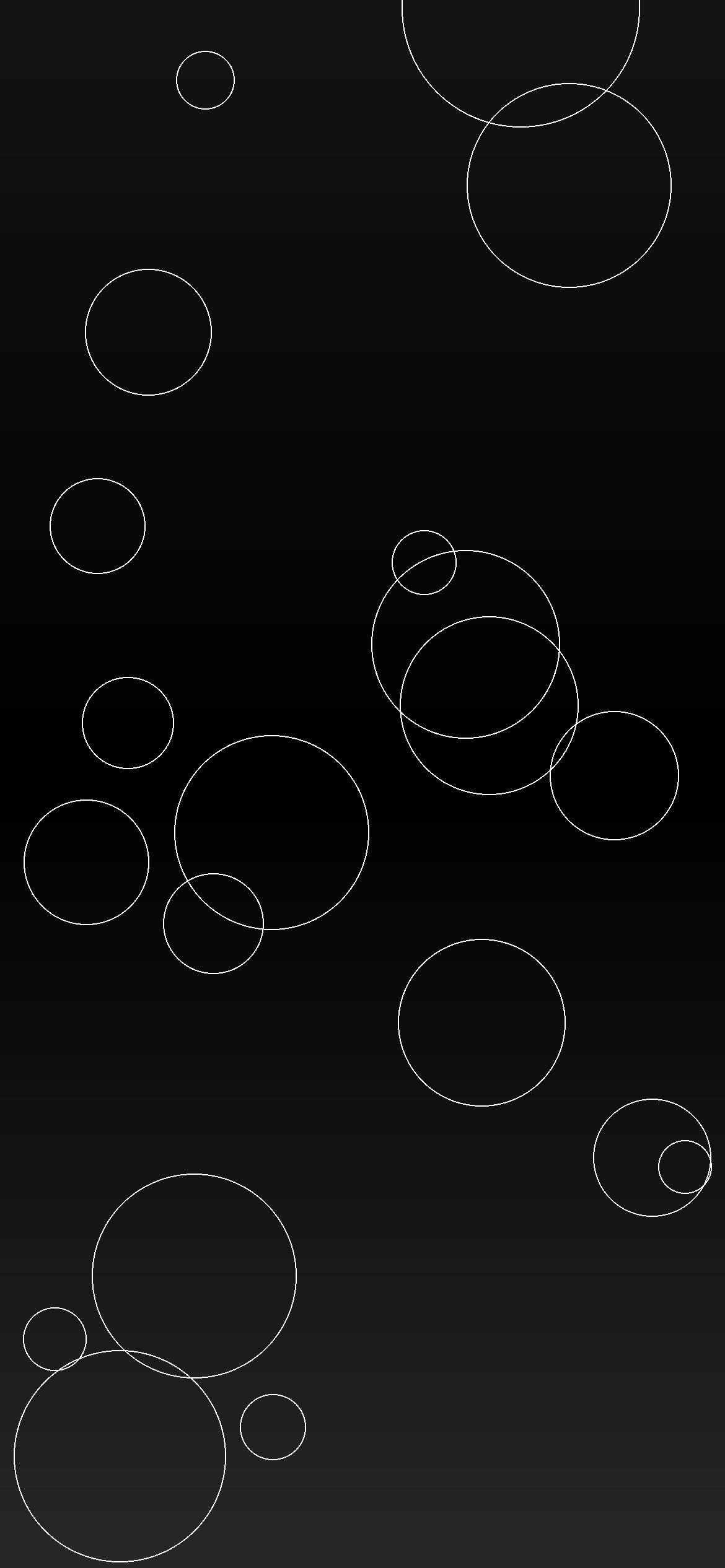
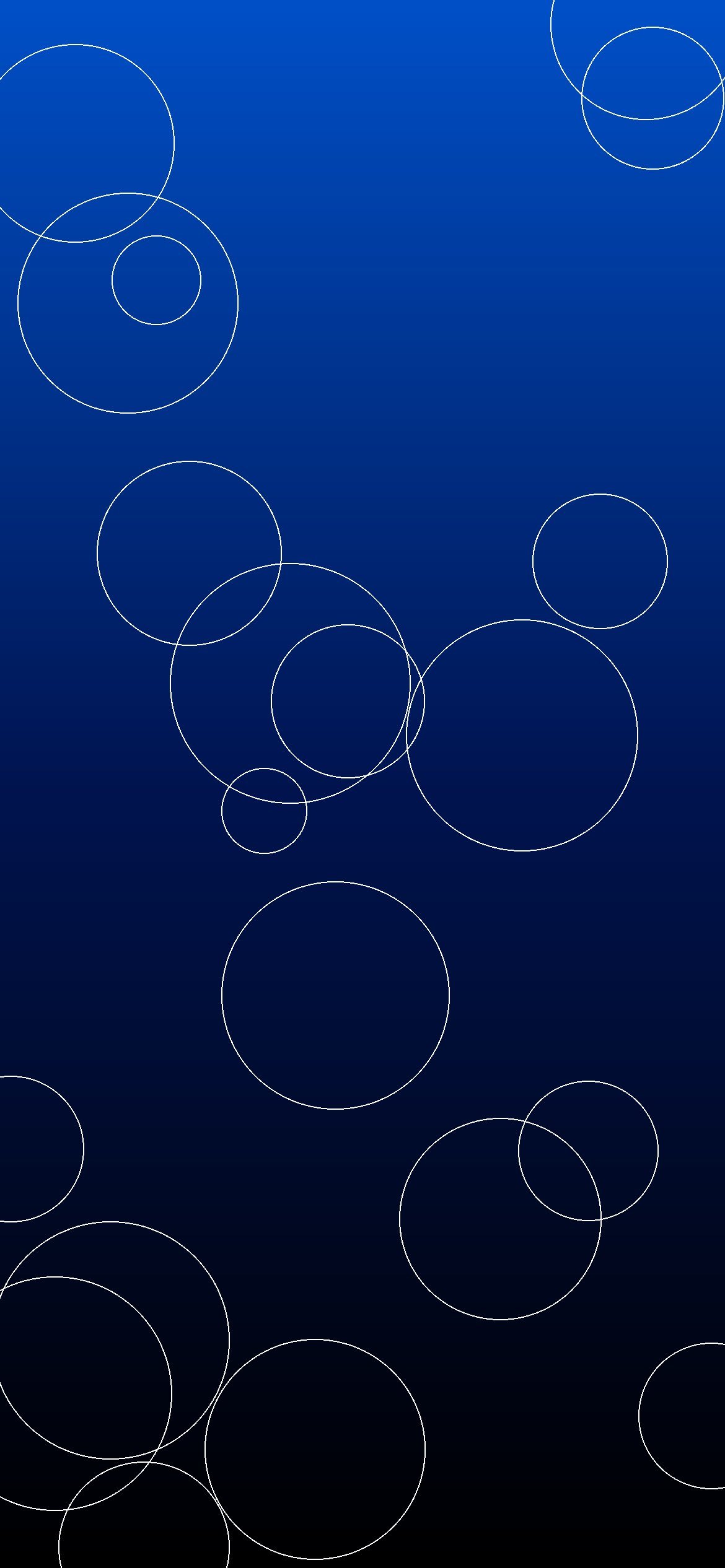
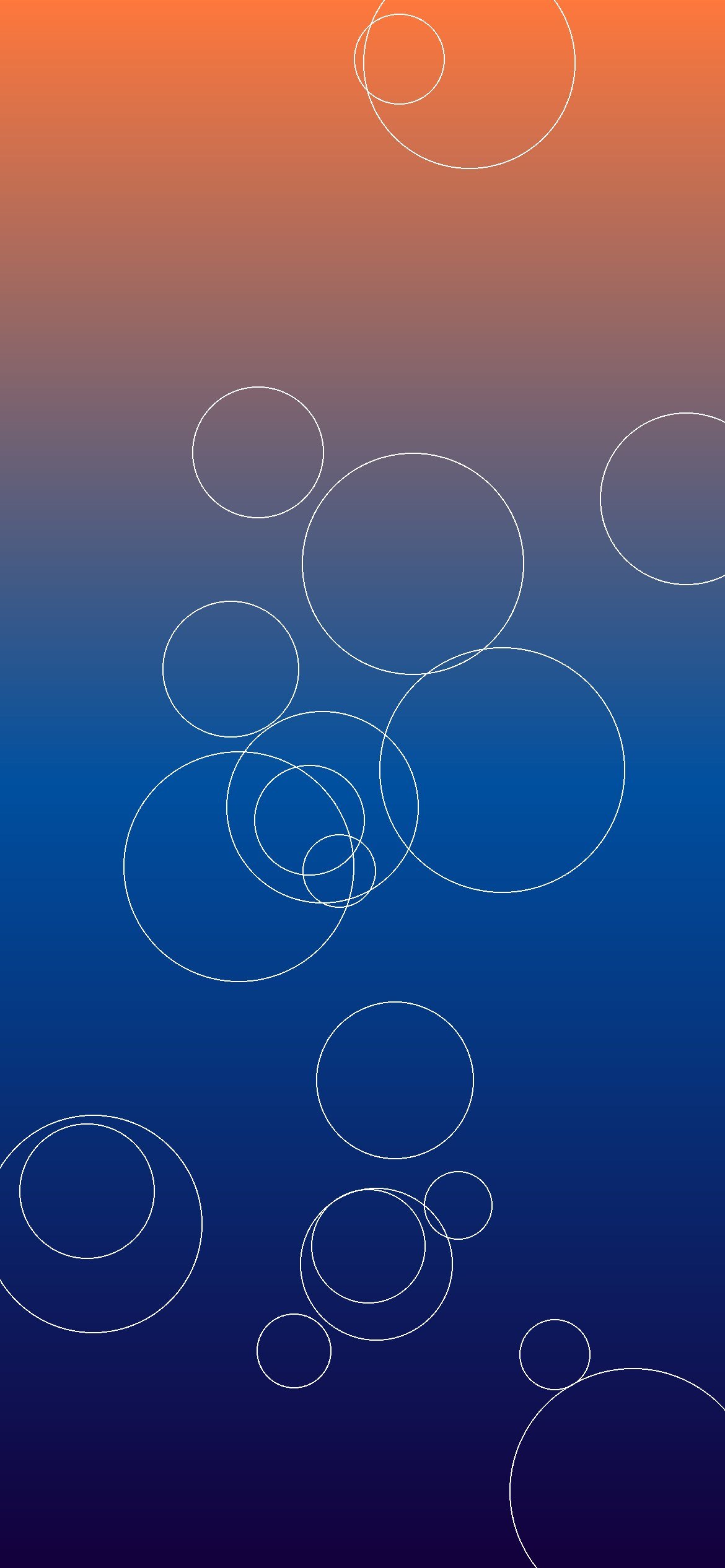
Free iPhone wallpapers 180-209: welcome to the seventh collection of free iPhone wallpapers from 8KWallpaper! Here are 30 new original wallpapers, numbered 180 to 209, made for modern iPhone screens in the United States. This set covers nature lakes and deserts, dark AMOLED blue designs, space and the moon, abstract teal and rose, minimal black, generic blue cars, ocean sunsets, and forest green. All 30 wallpapers are HD iPhone size, 1170×2532 pixels, JPG format. They are NOT 8K or 4K.
To download a wallpaper, tap or click an image to open it in full size, then press and hold (or right-click) and choose Save Image. Then set it as your Lock Screen or Home Screen wallpaper in your iPhone Settings. All downloads on this page are free.
180 Nature Lake – HD 1170×2532 JPG181 Nature Desert – HD 1170×2532 JPG182 AMOLED Blue – HD 1170×2532 JPG183 Space Moon – HD 1170×2532 JPG184 Abstract Teal – HD 1170×2532 JPG185 Abstract Rose – HD 1170×2532 JPG186 Minimal Black – HD 1170×2532 JPG187 Cars Blue – HD 1170×2532 JPG188 Ocean Sunset – HD 1170×2532 JPG189 Forest Green – HD 1170×2532 JPG190 Nature Lake – HD 1170×2532 JPG191 Nature Desert – HD 1170×2532 JPG192 AMOLED Blue – HD 1170×2532 JPG193 Space Moon – HD 1170×2532 JPG194 Abstract Teal – HD 1170×2532 JPG195 Abstract Rose – HD 1170×2532 JPG196 Minimal Black – HD 1170×2532 JPG197 Cars Blue – HD 1170×2532 JPG198 Ocean Sunset – HD 1170×2532 JPG199 Forest Green – HD 1170×2532 JPG200 Nature Lake – HD 1170×2532 JPG201 Nature Desert – HD 1170×2532 JPG202 AMOLED Blue – HD 1170×2532 JPG203 Space Moon – HD 1170×2532 JPG204 Abstract Teal – HD 1170×2532 JPG205 Abstract Rose – HD 1170×2532 JPG206 Minimal Black – HD 1170×2532 JPG207 Cars Blue – HD 1170×2532 JPG208 Ocean Sunset – HD 1170×2532 JPG209 Forest Green – HD 1170×2532 JPG
Download note: All downloads on this page are free HD 1170×2532 JPG files. They are not labeled 8K or 4K. No copyrighted characters, brands, or watermarks are included. Tap or click any image to open the full-size JPG, then press and hold (or right-click) and choose Save Image.
Scroll to Top
Set this wallpaper
Download it, then apply it to your Home screen, Lock screen, or Desktop in seconds.
Tap Download wallpaper above — it saves to your Photos.
Open Settings → Wallpaper → Add New Wallpaper.
Choose Photos and pick the downloaded image.
Tap Add, then choose Home Screen, Lock Screen, or both.
🤖 Android — Home / Lock Screen
Tap Download wallpaper above.
Open the image in your Gallery / Photos app.
Tap the ⋮ menu → Set as wallpaper (or “Use as”).
Choose Home screen, Lock screen, or both.
🖥️ Desktop — Set as wallpaper (Windows / Mac)
Tap Download wallpaper above.
Windows: right-click the downloaded file → Set as desktop background. Mac: right-click the file → Set Desktop Picture (or System Settings → Wallpaper).
Websites can’t change your wallpaper directly — your phone applies it after download.